For independent sitters and pet-care teams
Pet sitting software for the details that make care personal.
A quick drop-in and an overnight stay need different plans. Keep pet instructions, scheduled care, client messages, and invoices connected without treating every booking like a dog walk.
Free plan available. Auto-Assign and AI assistance require a paid plan; online payments require Stripe setup and fees apply. Plan details
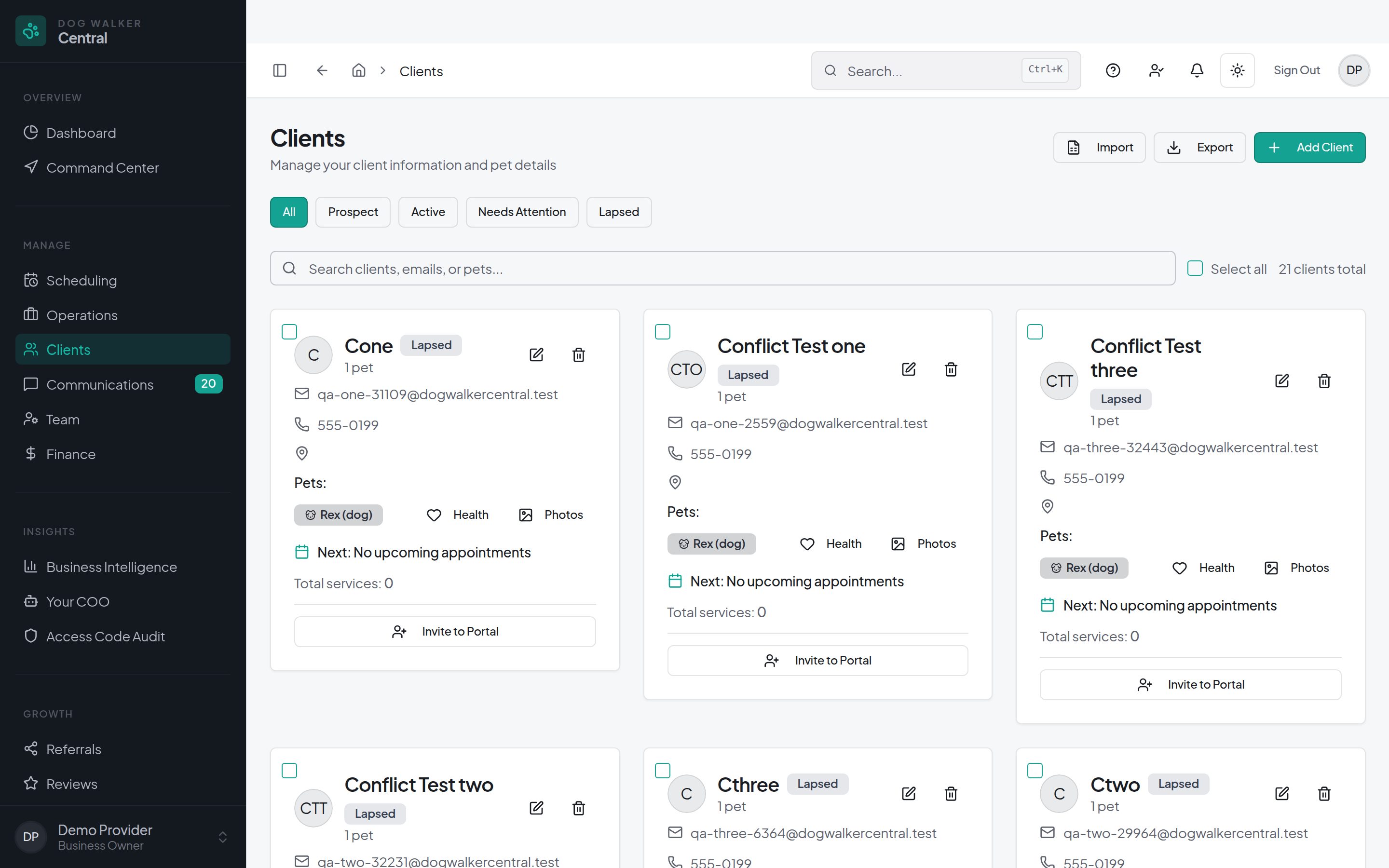
Example workflow
Plan the care, not just a calendar entry
These are example workflows, not customer stories. Configure services and booking rules to match the care you actually provide.
A morning and evening drop-in
Schedule separate visits for feeding, water, and other care. Keep pet instructions in the household record and assign the visits to the sitter covering each time.
An overnight stay
Manage stays across arrival and departure dates with the care slots your service needs. Configure the stay's pricing and review the booking details instead of treating it as a single short appointment.
A client update after care
Record visit notes and photos, then use Notify Client when the report is ready. Saving report text alone does not send it; appointment photos have their own sharing behavior.
A household with more than one pet
Keep individual pet profiles connected to the client and configure service-specific additional-pet pricing. Review the quote and invoice for the booked care.
In the workspace
Your services, instructions, and communication
Customize the care you offer
Configure service descriptions, durations, pricing, and booking rules. Use client forms and visit-report settings where available to collect the details your business needs.
Keep the client informed
Clients can use the portal for bookings, messages, invoices, and shared visit information. GPS check-in and check-out record location and time when used; they are not a guarantee of care quality or continuous tracking.
Keep business administration close
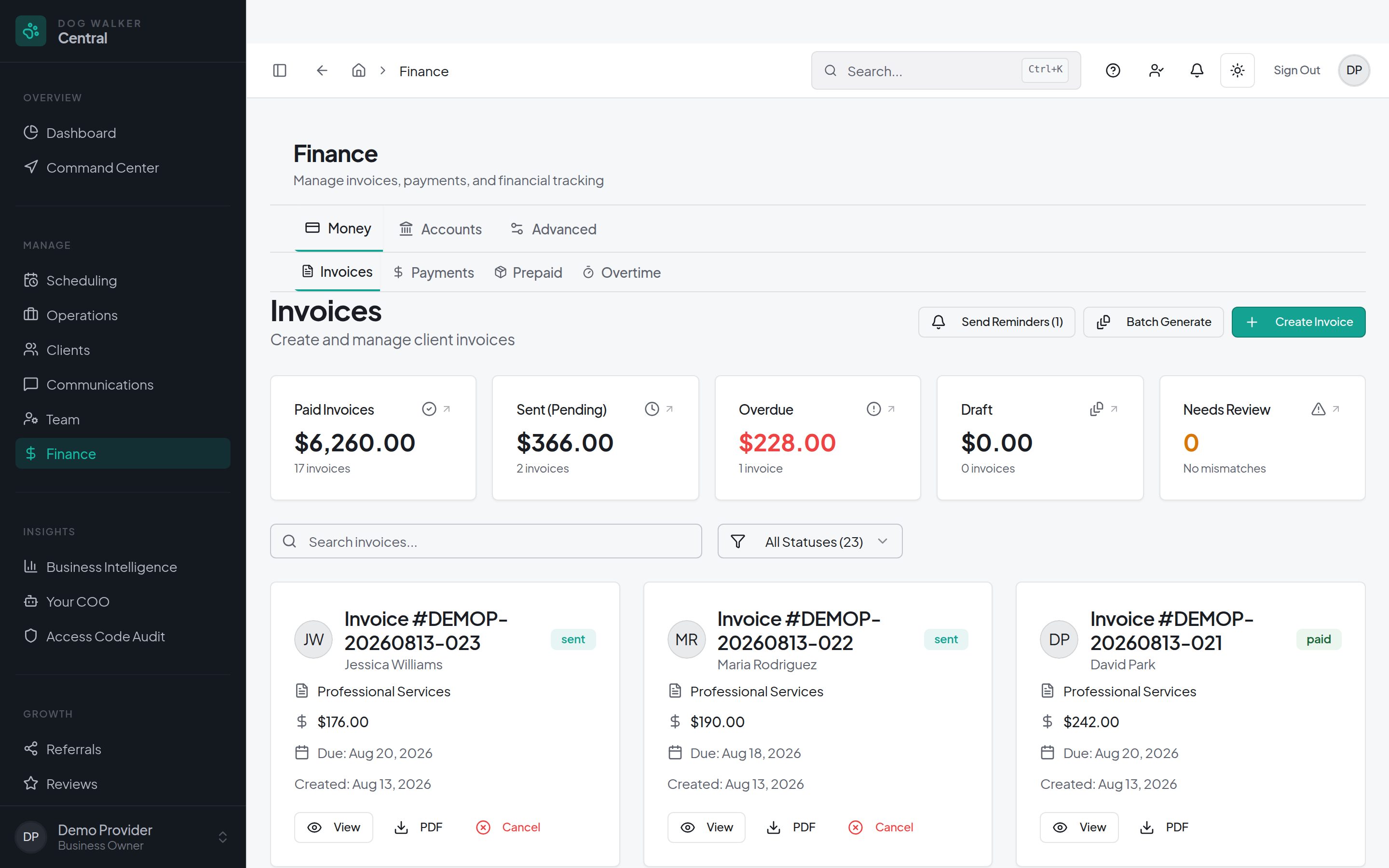
Manage sitter assignments, availability, and invoicing in the same workspace. Features and team limits vary by plan. Online payments require Stripe setup and carry processing and applicable platform fees.
Questions
Before you decide
- Can I manage drop-in visits and overnight stays together?
- Yes. Use scheduled appointments for drop-ins and the stays workflow for care spanning arrival and departure dates. Configure the service, care slots, and pricing for each booking type, then review the booking before confirming.
- Can clients see their pet-sitting updates?
- Clients can access shared visit information, messages, bookings, and invoices through the client portal. Report saving and Notify Client are separate actions; appointment photos have their own sharing behavior.
- Does the Free plan include every pet-sitting feature?
- No. A Free plan is available, but included features and team limits vary by plan. Auto-Assign and AI assistance require a paid plan. Check current pricing for the features you need and any usage or payment fees.
- What should I check before moving from another system?
- Review your services, pet instructions, future bookings, and billing rules. Ask about migration support through Switch & Save and confirm the records and scope with the team before making a change; do not assume every historical field transfers automatically.
Build a workspace around the care you provide.
A Free plan is available. Features and team limits vary by plan; Auto-Assign and AI assistance require a paid plan. Online payments require Stripe setup, and processing and applicable platform fees apply.